Ready-to-run ADISRA SmartView sample projects. Download a project, open it in the development environment, and explore how each feature is configured.
ADISRA SmartView — version 4.1.3.0
OEE Demo Application
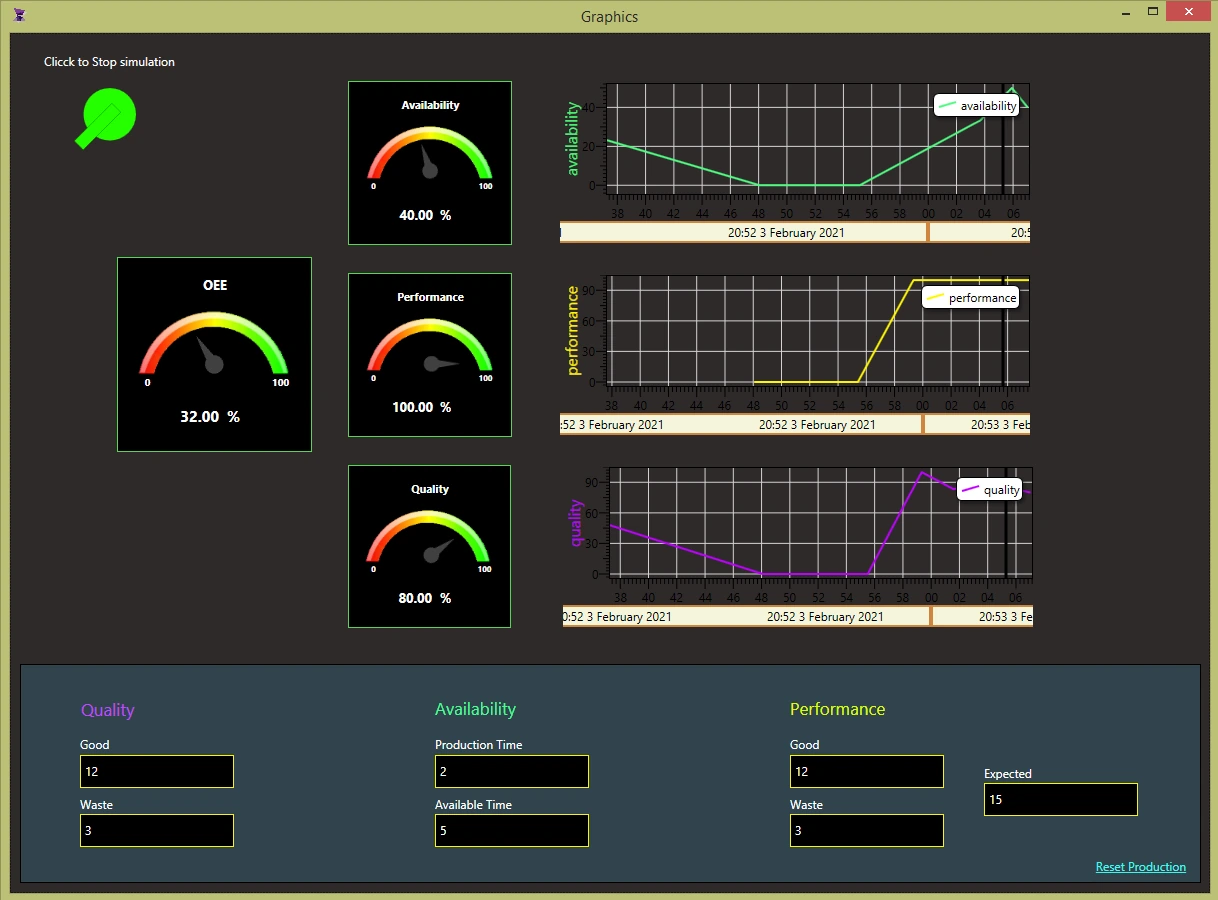
This demo application simulates values and calculates the OEE and the Performance, Quality and Availability indicators using User Functions. The results are displayed in gauge templates and trend objects. The simulation can be started or stopped by clicking an animated symbol object.
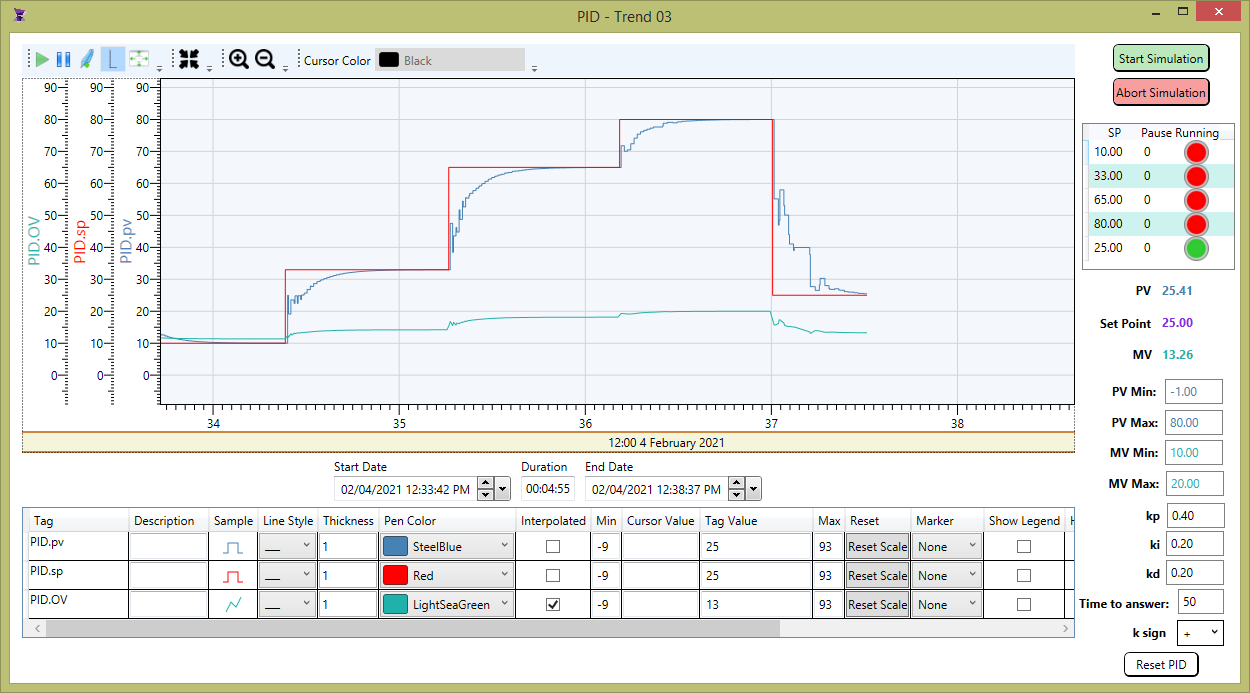
This demo application is a PID control system example. The PID controller is most commonly used in industrial applications because it is simple, provides good stability and rapid response. PID stands for proportional, integral, derivative. In each application, coefficients of these 3 actions are varied to get optimal response and control. Before executing this application, it is possible to configure 5 different cycles (setpoint and pause) and the Kp, Ki and Kd which gives a control strategy for process control. The PID controller receives the measured PV (simulated in this application but it could be reading from a sensor) and then determines the difference (error) between the measured PV and the desired SV. It then computes the desired controller output or manipulated variable (MV) based on the error. The MV acts on the final control element, that affects the process to change the PV.
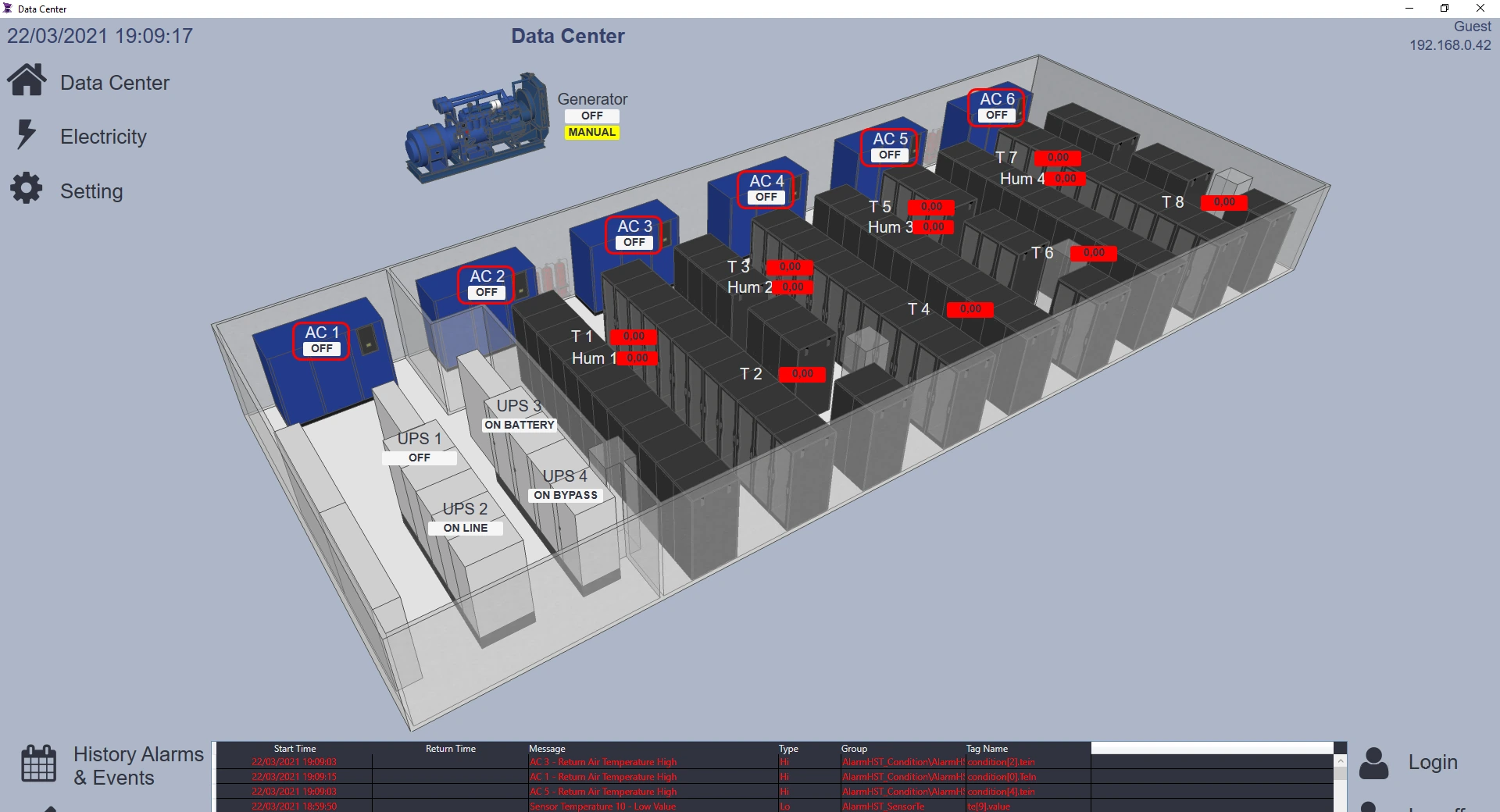
This application monitors data center electricity consumption. The driver communication has been turned off and all the historical data has been redirected to the proprietary database to suit better as a sample application. It makes use of templates, triggers and services and it stores alarms and tags.
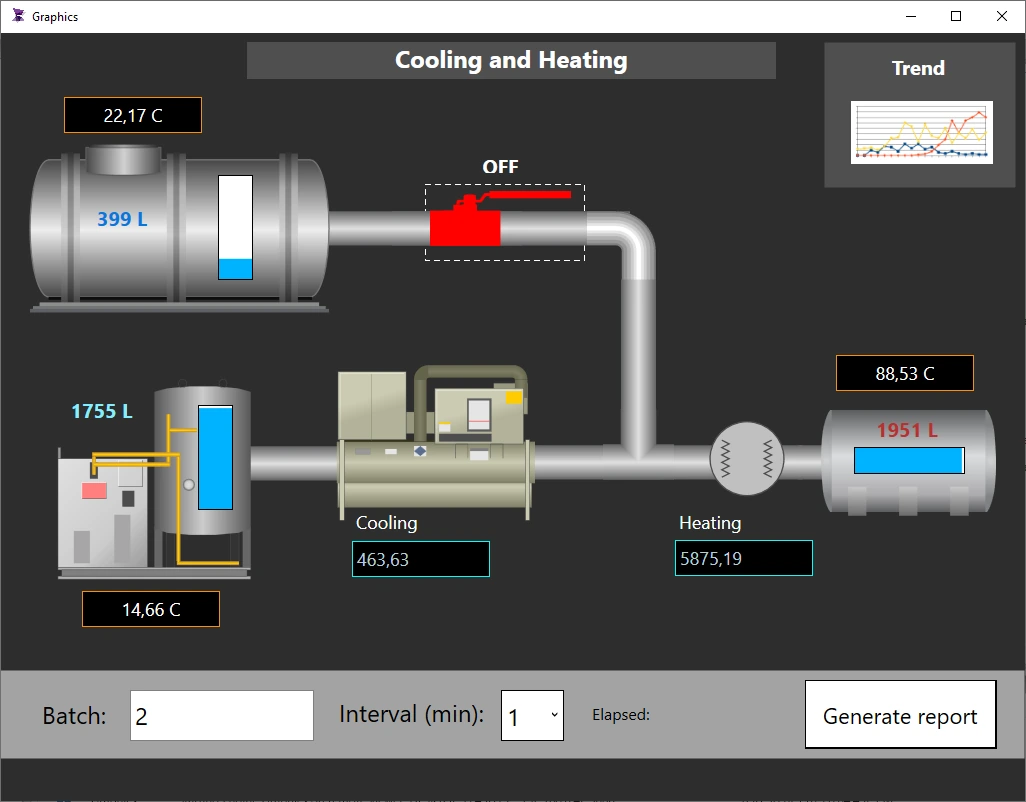
This sample simulates process values and generates data into a csv file per request for a configured batch in a defined time interval. It uses a custom UserFunctionLibrary to better organize the code and some SystemFunctionLibraries to get the application path and open the file in notepad.exe.
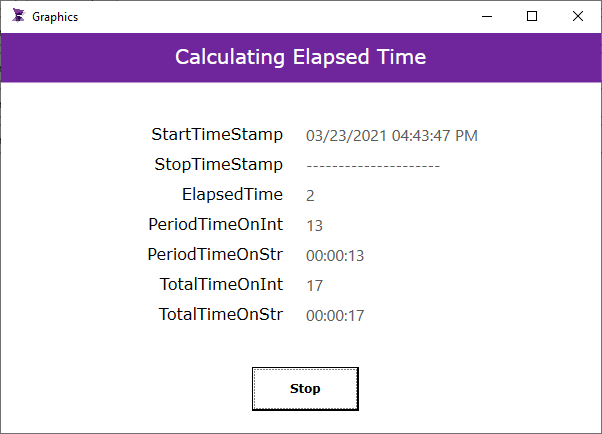
This sample application shows how to calculate the elapsed time while working with DateTime and TimeSpan c# objects. It calculates elapsed time per user request and it also saves the total elapsed time in a retentive value tag.
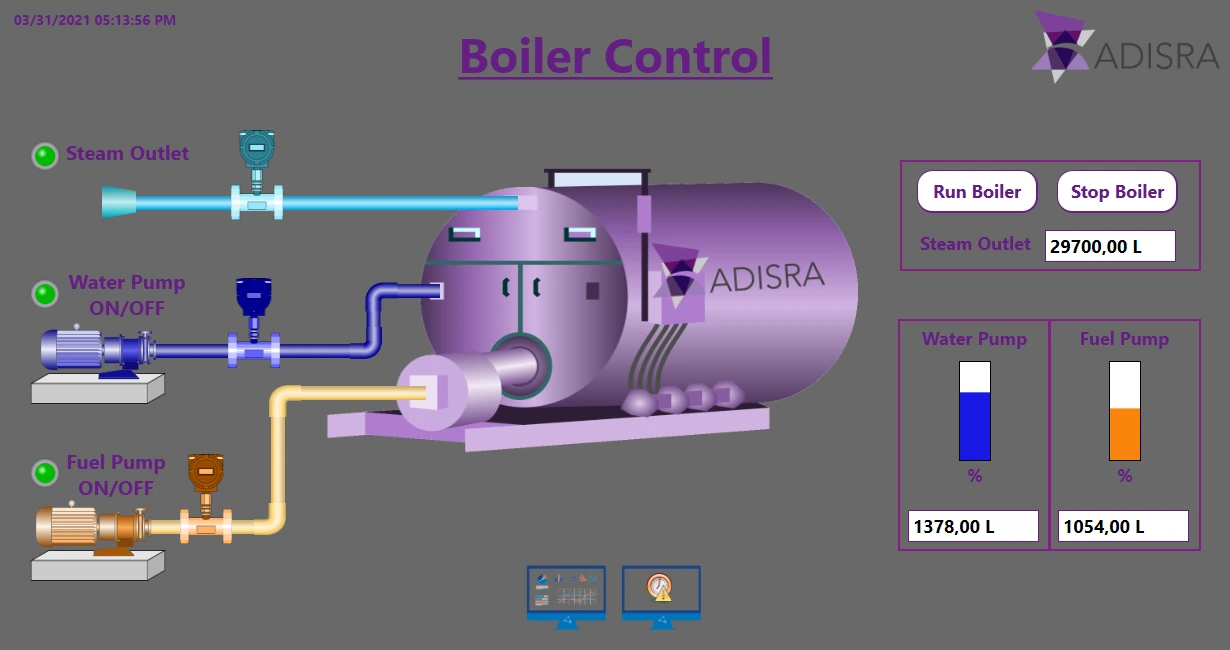
This sample application simulates a boiler system. Depending on the inputs from the water and fuel tanks, the boiler system activates or deactivates. The application also uses a Trend object to monitor the variables and an alarm object to show the history of alarms.
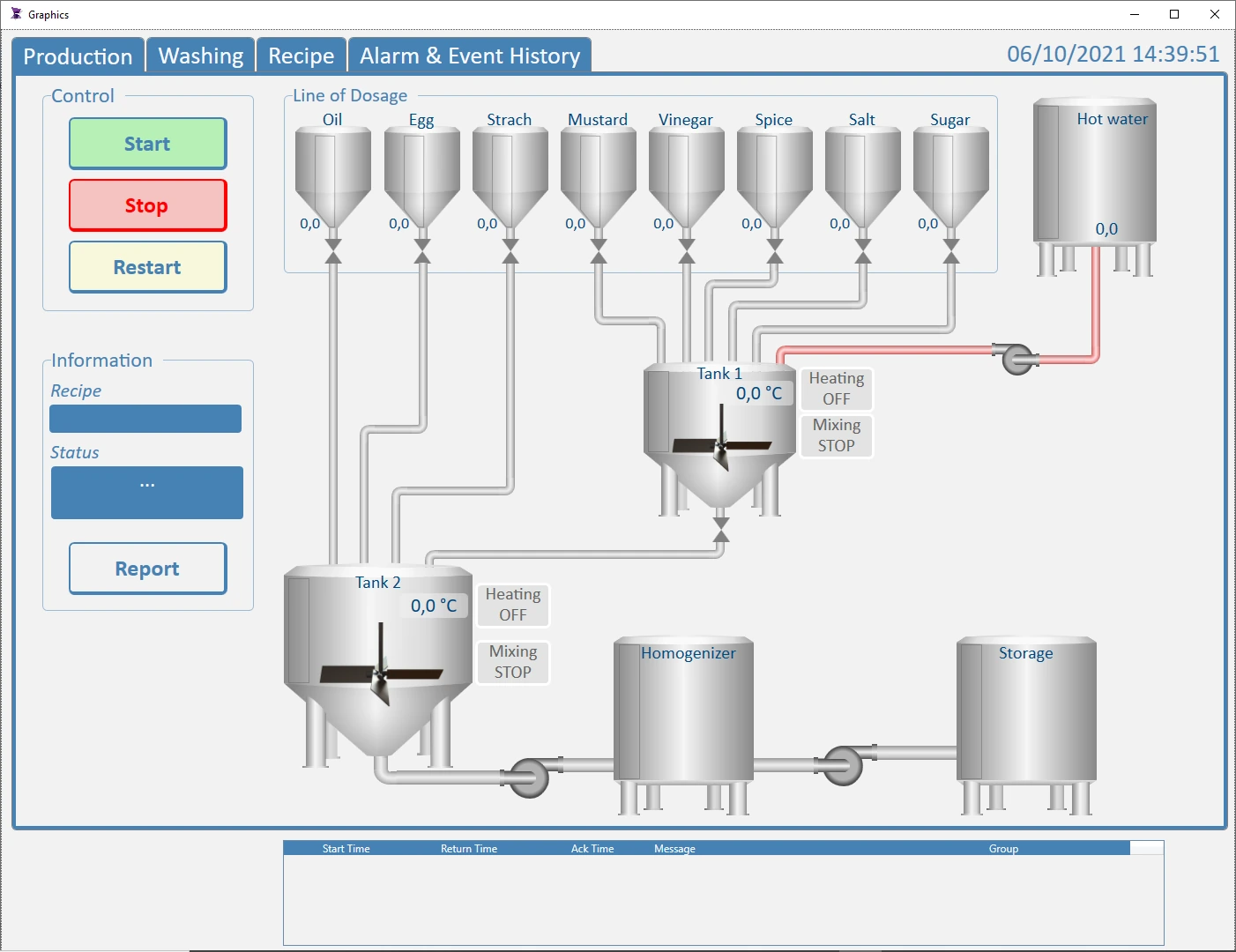
This sample application simulates a Food Industry application . It provides tools for managing recipes, monitoring pre-defined alarms and controlling production.
This sample application shows an alternative screen to filter alarms in the application by Tag name. ADISRA SmartView provides several functions such as getting a list of tag names by filter and Alarm Object tag inserts to achieve a flexible Alarm Filter screen.