
This guide preserves the original software documentation. Screens and instructions may vary by version.
Database Events History
Using Database Connections with Events
It is possible to save the Events into the database. Please follow the steps below to configure it.
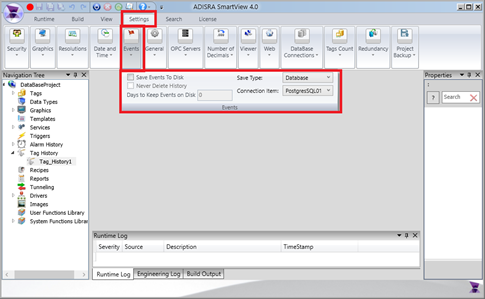
- The Events can be saved into a configured database. Select Events in the Settings ribbon; in the “Save Type” combo box, select “Database” and in the “Connection Item” combo box, select a configured “Database Connection”.
- Below is an example of the table created in the Database:
